
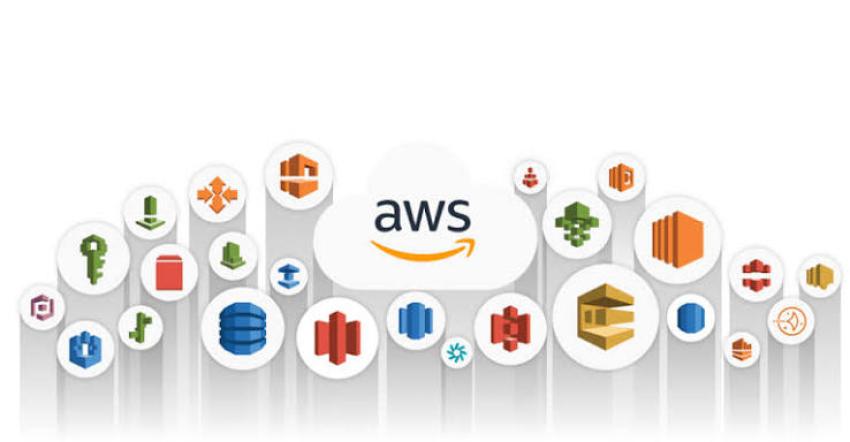
Rather than a dry dictionary list, here is a practical look at the most widely used AWS services, grouped by the role they play in modern systems—and why teams keep coming back to them.
1. The Compute Engines
Amazon EC2 (Elastic Compute Cloud)
The customizable workhorse.
EC2 gives you resizable virtual servers in the cloud. Even with the rise of containers and serverless, EC2 remains one of the most heavily used AWS services because it offers total control over the operating system, networking, and hardware specs (from memory-heavy analytics nodes to GPU-powered AI instances).
Why it’s everywhere: Legacy migrations ("lift-and-shift"), custom software stacks, and workloads with predictable, steady traffic often run easiest and cheapest on EC2 (especially when paired with Savings Plans or Spot Instances).
AWS Lambda
The event-driven game changer.
Lambda lets you run code without provisioning or managing servers. You upload a function, define a trigger (like an API call, a file upload, or a database change), and pay strictly for the milliseconds your code executes.
Why it’s everywhere: It eliminates idle server costs and acts as the "duct tape" of AWS—automating everything from image resizing and webhook processing to full serverless APIs.
Amazon ECS & Amazon EKS
The container orchestrators.
Modern teams package apps in Docker containers for portability. ECS (Elastic Container Service) is AWS’s streamlined, opinionated container runner, while EKS (Elastic Kubernetes Service) provides managed Kubernetes.
Why they’re everywhere: Most new microservice architectures skip raw EC2 management and deploy directly to ECS (often with AWS Fargate, so there are no underlying servers to patch) or EKS for multi-cloud standardization.
2. The Storage & Data Layer
Amazon S3 (Simple Storage Service)
The internet’s hard drive.
If there is one service virtually every AWS account uses, it is S3. Designed for 99.999999999% (11 nines) of durability, S3 stores unstructured objects—images, videos, backups, static websites, software binaries, and massive data lakes.
Why it’s everywhere: It scales infinitely without capacity planning, integrates natively with almost every other AWS service, and offers automated lifecycle tiering to slash long-term archival costs.
Amazon RDS & Amazon Aurora
Managed relational databases without the midnight paging.
Running PostgreSQL, MySQL, SQL Server, or Oracle yourself means managing backups, OS patching, replication, and failovers. RDS (Relational Database Service) automates that heavy lifting. Aurora is AWS’s cloud-native relational engine, built to be MySQL/PostgreSQL-compatible with higher throughput and faster failover.
Why they’re everywhere: Almost every business application needs reliable ACID-compliant relational data, and few teams want to spend engineering hours playing full-time DBA.
Amazon DynamoDB
Single-digit millisecond NoSQL at any scale.
DynamoDB is a fully managed key-value and document database built for massive concurrency. Whether you get 10 requests a second or 10 million, latency stays consistently low.
Why it’s everywhere: It pairs naturally with serverless architectures (like Lambda), requires zero server maintenance, and powers high-traffic gaming leaderboards, shopping carts, session stores, and IoT backends.
3. The Invisible Backbone (Security, Networking & Delivery)
You might not build "features" with these services, but nothing in AWS runs securely or reliably without them.
AWS IAM (Identity and Access Management)
The gatekeeper.
IAM controls who (users, roles, applications) can access what (buckets, databases, instances) inside your AWS environment.
Why it’s everywhere: Every API call in AWS passes through IAM. Mastering IAM roles and least-privilege policies is the difference between a secure environment and a headline-making data leak.
Amazon VPC (Virtual Private Cloud)
Your isolated slice of the AWS network.
VPC lets you carve out private subnets, configure route tables, deploy firewalls (Security Groups and NACLs), and connect back to on-premises data centers.
Why it’s everywhere: Sensitive workloads like databases and internal APIs shouldn't sit exposed on the public internet. VPC provides the network isolation required for security and compliance.
Amazon CloudFront & Amazon Route 53
Speed and traffic control at the edge.
Route 53 is AWS’s highly available DNS service, routing user domain requests to the right infrastructure. CloudFront is a global Content Delivery Network (CDN) that caches content closer to users while shielding origin servers from DDoS attacks (especially when paired with AWS WAF).
Why they’re everywhere: Faster load times improve conversion and SEO, and serving cached traffic from CloudFront often reduces direct EC2/S3 data transfer bills.
4. The Glue & Pulse of Production Systems
Smaller lists often overlook these, yet in production environments, they are indispensable:
Amazon CloudWatch: The central nervous system for logs, metrics, and alarms. Teams use it to detect failing servers, trigger Auto Scaling, and track application errors in real time.
Amazon SQS (Simple Queue Service) & SNS (Simple Notification Service): The shock absorbers of distributed systems. Instead of having one service crash when another slows down, SQS queues messages safely until downstream workers are ready, while SNS broadcasts events to multiple subscribers simultaneously.
How They Work Together: A 60-Second Real-World Blueprint
To see why these specific services dominate, picture a typical modern web application:
A user types your URL, and Route 53 resolves the domain.
CloudFront serves the frontend React/Next.js assets straight out of an Amazon S3 bucket.
API requests hit backend containers running on ECS inside a private VPC subnet.
Those containers read/write structured user data in Amazon RDS (PostgreSQL) and session state in DynamoDB, using temporary permissions granted by IAM.
When a user uploads a video or requests a PDF report, the API drops a message into SQS, triggering an AWS Lambda function to process it asynchronously.
CloudWatch quietly logs every request and alerts Slack if latency spikes.
The Takeaway
You don't need to memorize all 200+ AWS services to build world-class software. If you deeply understand EC2, Lambda, Containers (ECS/EKS), S3, RDS/DynamoDB, VPC, IAM, SQS, and CloudWatch, you already possess the building blocks behind 90% of modern cloud infrastructure. Master the fundamentals first—the niche services can wait until you actually need them.