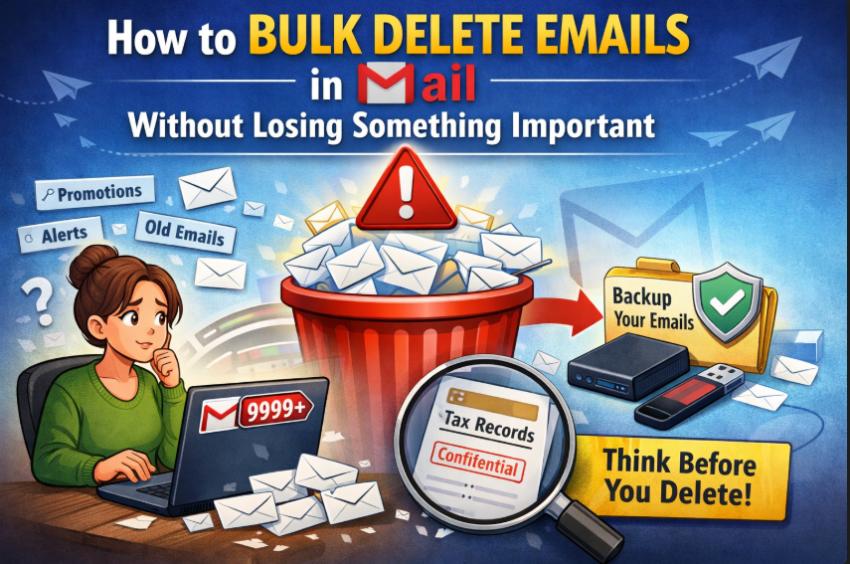
It starts the same way for many people.
You open Gmail intending to clear a few messages. Instead, you’re staring at thousands of unread promotions, outdated alerts, newsletters you never read, and conversations from years ago. The inbox feels overwhelming. The obvious solution? Delete everything in bulk.
But then hesitation kicks in.
What if something important is buried inside that pile?
When users search for how to delete emails in bulk in Gmail, they are not just looking for speed. They want reassurance. They want to clean their inbox without accidentally removing something critical.
Let’s break this down carefully.
Why Bulk Deletion in Gmail Feels Risky
Gmail is not just a messaging platform anymore. For many people, it has quietly become a digital storage unit.
Inside your inbox are:
Tax receipts
Insurance confirmations
Medical communication
Client discussions
Bank notifications
Legal documents
Deleting emails in bulk can feel like throwing away a filing cabinet without checking what’s inside. The anxiety is real because the consequences can be real.
A freelancer may need old invoices.
A teacher may need archived communication.
A small business owner may need transaction records.
An IT professional may require email logs for audits.
So, yes, bulk deletion feels risky because sometimes it is.
Understanding Gmail’s Permanent Deletion Rule
Before deleting anything, it’s important to understand how Gmail works.
When you delete emails, they go to the Trash folder. After 30 days, Gmail permanently removes them. Once that happens, recovery is extremely difficult and often impossible.
There is no long-term undo button.
That’s why careful action matters.
How to Delete Emails in Bulk in Gmail (Manual Methods)
If you still want to proceed manually, Gmail does provide built-in options. But they must be used wisely.
Method 1: Select All Using the Checkbox
You can:
Click the checkbox at the top of your inbox.
Select all conversations.
Click Delete.
You can even select all emails that match a filter across multiple pages.
This is fast.
This is efficient.
But it is also blind if you don’t filter properly first.
Deleting without reviewing what you’ve selected increases the risk of losing valuable information.
Method 2: Use Gmail Search Filters - Gmail’s search functionality is powerful and helps narrow results before deletion.
Some useful filters include:
older_than:1y - Shows emails older than one year
from:newsletter@domain.com - Displays emails from a specific sender
has:attachment - Finds emails that contain files
category:promotions - Shows promotional emails
Filters allow targeted deletion instead of random cleanup.
However, filters do not determine importance. An old email could still be legally or financially relevant. A promotional email might contain a purchase receipt.
That’s where people make mistakes.
Hidden Risks People Rarely Consider
Many guides explain how to delete emails but ignore what can go wrong.
Here are common scenarios:
Deleting receipts before tax season
Removing job-related emails during a career change
Clearing medical communication too early
Deleting business contracts stored in inbox threads
These errors don’t show consequences immediately. Problems often appear months later — when the email is already permanently deleted.
The fear of “What if I need this later?” is not irrational. It’s responsible thinking.
A Smarter Approach: Secure First, Delete Second
There is a safer way to clean Gmail without stress. Instead of deleting first, create a backup copy of your emails. Through Gmail backup Wizard
Think of it like photocopying important documents before shredding unnecessary ones. Once your data is secured, you can delete it.
Professional Gmail backup solutions allow users to:
Download emails to a local system
Save data to an external hard drive
Store Gmail emails on a USB flash drive
Preserve attachments along with emails
Once the backup is completed, inbox cleanup becomes risk-free.
You know your records are safe.
You gain clarity.
You eliminate anxiety.
This method is particularly helpful for:
Small business owners
Freelancers
Educators
IT teams
Senior users who prefer certainty over shortcuts
Bulk deletion is no longer a gamble it becomes a controlled action.
Questions to Ask Before Bulk Deleting
Before you press Delete, pause and ask:
Could this email be required for taxes or accounting?
Is it connected to work, finance, health, or legal matters?
Would losing this email create inconvenience in the future?
If the answer is even “maybe,” consider backing it up first.
Inbox cleaning should feel relieving not stressful.
Final Thoughts
Cleaning Gmail is not about removing emails as fast as possible. It’s about removing them responsibly.
Yes, bulk deletion tools in Gmail work. Yes, search filters make cleanup easier. But without preparation, deletion can lead to regret.
Your inbox may look like clutter, but inside it may exist proof, history, and documentation you once needed and may need again.
The safest strategy is simple:
Secure what matters.
Remove what doesn’t.
Stay in control of your digital records.
When you delete with preparation, you don’t just clean your inbox, you protect your future.