Your Apple Mac is a marvel of technology, but even the most sophisticated machines can encounter glitches. From sluggish performance to unexpected error messages, these issues can disrupt your workflow and leave you feeling frustrated. Before resorting to Apple Mac repairs in Melbourne, some basic troubleshooting steps can often get your Mac back on track.
This guide equips you with effective troubleshooting techniques for common Mac problems. However, for complex issues beyond your comfort zone, remember that skilled Mac repair professionals in Melbourne are readily available.
Common Mac Issues and Troubleshooting Tips:
Slow Performance:
Restart your Mac: A simple restart can often clear temporary files and processes, improving performance.
Identify resource-intensive applications: Close any programs hogging CPU or memory resources.
Update your software: Ensure optimal performance for your Mac by swiftly updating both macOS and your applications to their most current iterations, steering clear of any slowdowns caused by outdated software.
Manage startup items: Unnecessary programs loading at startup can slow down boot time. Go to System Preferences > Users & Groups > select your user > Login Items and disable programs you don't need at startup.
Declutter your hard drive: Delete unnecessary files and applications to free up storage space. Consider using built-in storage management tools like "Optimize Storage" to free up space automatically.
Software Crashes:
Force quit unresponsive applications: Use Option + Command + Esc (Escape) to force quit applications that have frozen.
Update software: Outdated software can contribute to crashes. Update your macOS and applications.
Repair disk permissions: Disk permissions issues can sometimes lead to crashes. Use Disk Utility (Applications > Utilities) to repair disk permissions. (Note: This step may not be necessary in newer versions of macOS)
Reinstall the application: If the issue persists, try reinstalling the problematic application.
Wi-Fi connectivity issues:
Turn Wi-Fi off and on: A simple toggle can sometimes resolve connectivity problems.
Forget the network and reconnect: Forget the Wi-Fi network and re-enter the password to establish a fresh connection.
Check your router: Ensure your Wi-Fi router is functioning properly and restart it if necessary.
Update network settings: In System Preferences > Network, click the "+" button and create a new network location. This can sometimes resolve connectivity issues.
Error Messages:
Search online: Error messages often provide a specific code. Search online for the error code and potential solutions.
Apple Support website: The Apple Support website offers a wealth of troubleshooting resources for various Mac issues.
When to Seek Professional Apple Mac Repairs in Melbourne:
While these troubleshooting steps can address many common problems, some issues require the expertise of a qualified technician. Consider seeking professional help from Apple Mac repair services in Melbourne if you encounter:
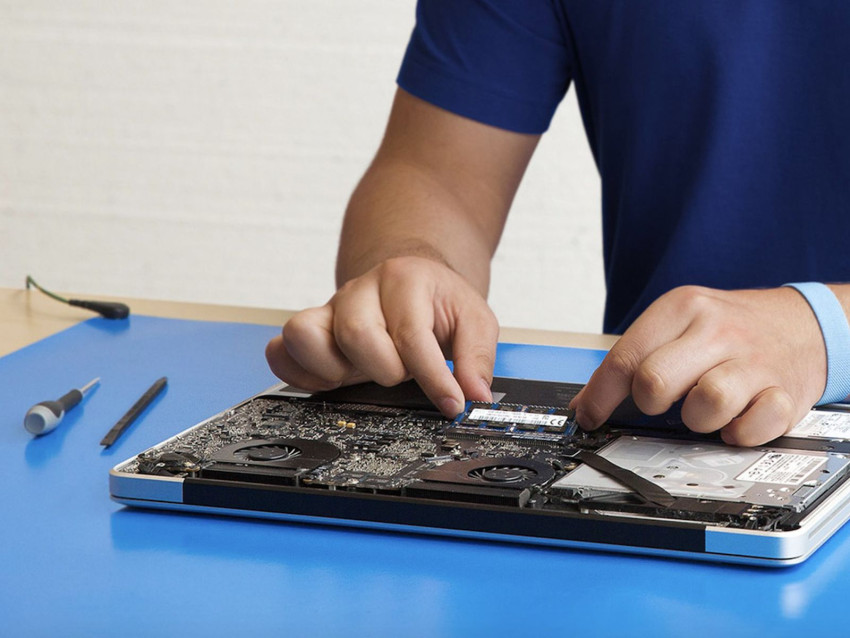
Hardware issues: Cracked screens, faulty keyboards, or liquid damage require professional repair to avoid further complications.
Data loss: In case of data loss due to hardware failure or software issues, professional services can attempt data recovery.
Complex software problems: If troubleshooting steps fail to resolve a software issue, a technician can diagnose and fix the problem efficiently.
Warranty repairs: If your Mac is still under warranty, seeking authorized Apple Mac repairs in Melbourne ensures proper procedures and maintains your warranty coverage.
Remember, you don't have to navigate Mac troubles alone. Skilled Apple Mac repair professionals in Melbourne are available to diagnose and fix complex issues, saving you time and ensuring your Mac gets the care it deserves.