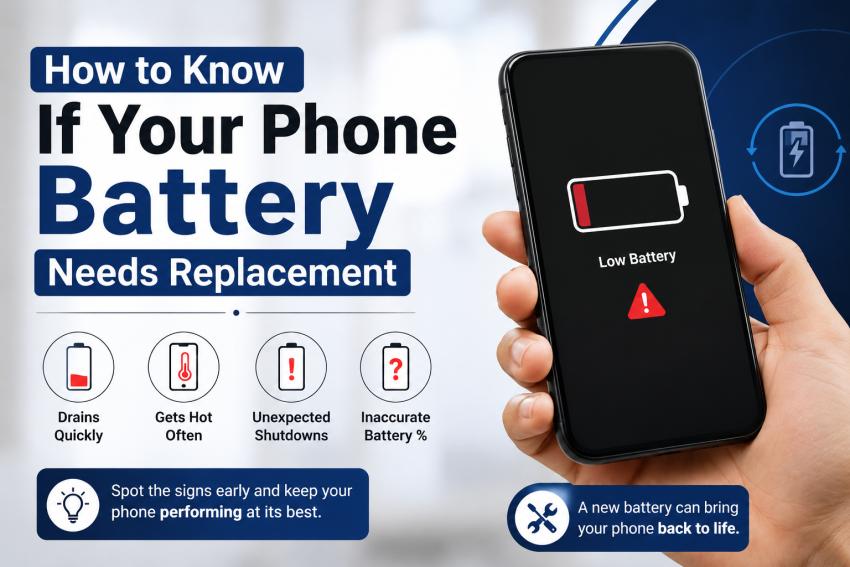
Your phone battery works hard every day. It powers your calls, messages, apps, photos, and more. Over time, every battery wears out. If your phone does not last as long as it used to, the battery may be the reason.
Many people think they need a new phone when the real problem is an old battery. Knowing the signs of battery failure can save you money and help your phone work like new again.
In this guide, you will learn how to tell if your phone battery needs replacement and when it is time to get professional help.
Why Do Phone Batteries Wear Out?
Most smartphones use lithium-ion batteries. These batteries are made to last for hundreds of charge cycles. A charge cycle means using 100% of the battery, whether in one charge or several smaller charges.
As the battery ages, it loses its ability to hold a full charge. Heat, frequent charging, heavy gaming, and fast charging can speed up battery wear.
1. Your Battery Drains Much Faster Than Before
One of the first signs of a failing battery is poor battery life.
If your phone once lasted all day but now needs charging every few hours, the battery has likely lost capacity.
You may notice this even when using the same apps and following the same daily routine.
2. Your Phone Shuts Down Without Warning
Does your phone suddenly turn off even though it still shows 20% or 30% battery?
This usually means the battery cannot deliver stable power anymore. It may appear to have charge left, but the battery voltage drops too quickly under normal use.
Unexpected shutdowns are one of the clearest signs that a replacement is needed.
3. Charging Takes Longer Than Normal
A healthy battery should charge at a steady rate.
If your phone takes much longer than it used to reach full charge, the battery could be wearing out. Before replacing it, make sure the charging cable, adapter, and charging port are clean and working properly.
4. The Phone Gets Too Hot
Some warmth while charging or gaming is normal.
However, if your phone becomes hot during simple tasks like texting or browsing the internet, the battery may be struggling.
Excessive heat can also reduce battery life even faster, creating a cycle of declining performance.
5. The Battery Percentage Jumps Around
Have you ever seen your battery drop from 40% to 10% within minutes?
Or perhaps it suddenly increases after restarting the phone?
These inaccurate battery readings often point to an aging battery that can no longer report its remaining charge correctly.
6. The Battery Is Swollen
A swollen battery is a serious safety issue.
Signs include:
The back cover lifting
The screen separating from the frame
A noticeable bulge in the phone
Stop using the device immediately if you notice these symptoms. A swollen battery should only be replaced by trained technicians.
7. Your Phone Feels Slower
Many smartphones automatically reduce performance when the battery becomes weak. This helps prevent unexpected shutdowns but can make the phone feel slow.
Apps may take longer to open, and the device may lag during everyday use.
Replacing the battery often restores better performance without replacing the entire phone.
How to Check Battery Health
Many smartphones include built-in tools to monitor battery condition.
For iPhones, go to Settings > Battery > Battery Health & Charging. If the maximum capacity is below 80%, Apple recommends considering a battery replacement.
Android phones vary by manufacturer. Some include battery health settings, while others require diagnostic apps or professional testing.
If you are unsure, a trusted repair technician can perform a quick battery test and explain the results.
Can You Extend Battery Life?
Yes. Good charging habits can slow battery wear.
Here are a few simple tips:
Avoid letting the battery reach 0% often.
Keep the battery between 20% and 80% when possible.
Remove thick phone cases if they trap heat while charging.
Use quality charging cables and adapters.
Keep your phone away from extreme heat.
These habits will not stop battery aging, but they can help the battery last longer.
Should You Replace the Battery or Buy a New Phone?
If your phone still performs well and only the battery is failing, replacing the battery is usually the smarter choice.
A battery replacement costs much less than buying a new phone and can give your device many more months—or even years—of reliable use.
If you are also dealing with a cracked screen, charging issues, or other hardware problems, a repair technician can inspect everything during the same visit. Many people searching online for phone fix Orlando services discover that a simple battery replacement solves the problem without the cost of a new device.
Conclusion
A weak battery can make even a great smartphone frustrating to use. Fast battery drain, random shutdowns, overheating, slow charging, and swollen batteries are all signs that it may be time for a replacement.
Acting early can improve your phone's performance, extend its life, and help you avoid more expensive repairs later. If you notice several of these warning signs, have your device checked by a trusted repair professional. A reliable technician can confirm whether a new battery is needed and help keep your phone running at its best, whether you're looking for general smartphone maintenance or researching phone fix orlando, fl solutions.