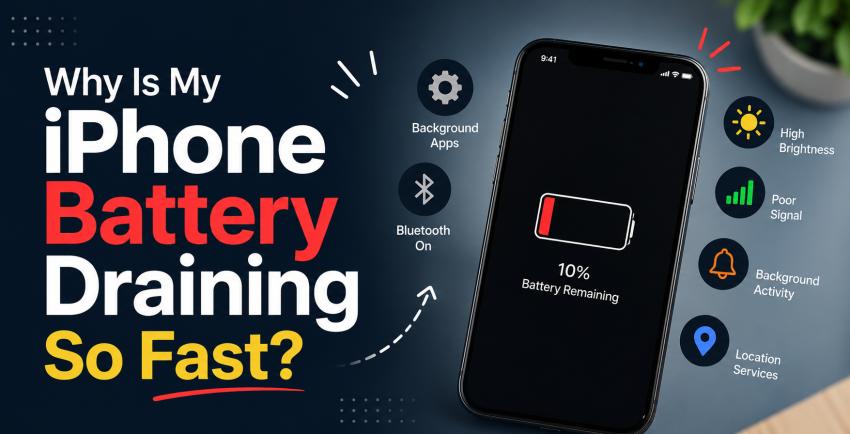
There’s nothing more frustrating than watching your iPhone battery percentage drop rapidly even when you’re barely using it. Many users notice their battery draining faster after software updates, heavy app usage, or simply after owning the device for a few years. While iPhones are known for smooth performance and battery optimization, battery drain is still one of the most common issues people experience.
In fact, many users searching for solutions related to iphone fix orlando are often trying to solve battery problems before considering a replacement device. The good news is that most battery drain issues can be identified and improved with the right steps.
Common Reasons Your iPhone Battery Drains Quickly
1. Background Apps Running Constantly
Many apps continue refreshing in the background even when you are not actively using them. Social media apps, location-based apps, and streaming services are usually the biggest battery consumers.
How to Fix It:
Go to Settings > General > Background App Refresh
Turn it off for apps you rarely use
Keep it enabled only for important apps
2. High Screen Brightness
Your display is one of the biggest battery consumers on any iPhone. Keeping brightness at maximum levels for long periods can drain power very quickly.
Quick Tip:
Enable Auto-Brightness
Use Dark Mode whenever possible
Reduce screen timeout duration
3. Battery Health Is Decreasing
Over time, every lithium-ion battery naturally loses capacity. Older iPhones may struggle to hold a charge for long periods.
Signs of Battery Wear:
Battery drains unusually fast
iPhone shuts down randomly
Device becomes hot while charging
Battery health drops below 80%
You can check this under: Settings > Battery > Battery Health & Charging
4. iOS Updates and Software Bugs
Sometimes a new iOS update can temporarily increase battery usage due to background indexing or software bugs.
What You Can Do:
Keep apps updated
Restart your iPhone after updates
Wait a few days after installing major iOS updates
Install newer patches if available
5. Poor Network Signal
When your iPhone struggles to find a strong cellular signal, it uses more battery power trying to stay connected.
This often happens:
In elevators
Underground areas
Rural locations
Buildings with weak reception
Switching to Wi-Fi when available can help reduce battery usage.
6. Location Services Running All the Time
Apps using GPS continuously can silently drain your battery throughout the day.
Reduce Battery Drain:
Open Settings > Privacy & Security > Location Services
Change unnecessary apps to “While Using the App”
Disable precise location for apps that do not need it
7. Overheating Problems
Heat is one of the biggest enemies of smartphone batteries. Gaming, video editing, or charging in hot environments can cause battery performance to decline faster.
Avoid These Habits:
Charging under pillows or blankets
Using heavy apps while charging
Leaving your iPhone in direct sunlight
8. Push Notifications and Widgets
Constant notifications and active widgets refresh data frequently, which affects battery life more than many users realize.
Try:
Removing unused widgets
Disabling unnecessary notifications
Limiting live activities
Easy Ways to Improve iPhone Battery Life
Here are some quick habits that can make a noticeable difference:
Enable Low Power Mode
Turn off Bluetooth when not needed
Use Wi-Fi instead of mobile data when possible
Keep your apps updated
Avoid cheap charging accessories
Restart your iPhone regularly
When Should You Replace the Battery?
If your iPhone battery health is below 80% and the device struggles to last through the day, a battery replacement may be the best option. Replacing the battery is often far cheaper than upgrading to a new phone and can significantly improve performance.
Many people searching online for iphone fix orlando, FL solutions are usually dealing with battery-related concerns like overheating, charging issues, or rapid power loss. Understanding the real cause behind the problem can help extend your iPhone’s lifespan and keep it running efficiently for years.
Final Thoughts
Fast battery drain on an iPhone can happen for many reasons, including aging batteries, software settings, overheating, or background apps. Fortunately, most issues can be reduced with simple adjustments and better charging habits.
Taking care of your battery today can help you avoid expensive repairs later and keep your iPhone performing at its best.