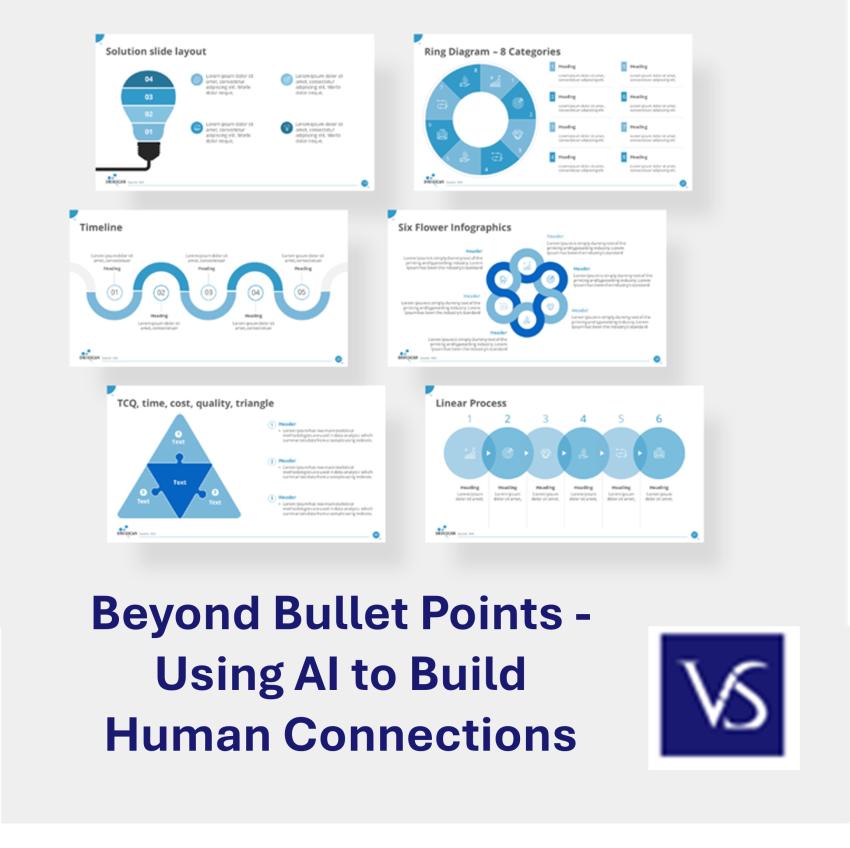
Finding Your AI Sidekick
There’s a mountain of tools out there right now, but honestly, you don't need to master all of them. Here’s the "cheat sheet" for the ones worth your time:
PowerPoint’s "Designer": This is your best friend when you’re down to the wire. Just dump your text onto a slide, and it’ll suggest a professional layout instantly. It’s the fastest way to turn "ugly" slides into something polished in seconds.
Canva: If you want people to think you hired a pro designer, go here. It’s loaded with templates that make it physically difficult to create something that looks bad.
Google Slides: Still the go-to for "we need to finish this together." It’s simple, it's free, and their new AI features are finally making formatting less of a headache.
How to pick a winner
Don’t overthink it. Just ask yourself: "What’s my biggest frustration?" If you hate the design side, lean on PowerPoint or Canva. If you’re collaborating with a big team, stay with Google. My best advice? Spend just 10 minutes playing with a new tool before you commit to a major project. You’ll know quickly if the "vibe" fits how you work. And if you get stuck, just find a quick YouTube tutorial seeing someone else click through it usually clears things up faster than any manual ever could.
Adding Your Personal Touch
AI is a solid starting point, but if you leave it exactly how it was generated, people can tell. It feels "off." Customizing the content is how you bridge that gap between a robotic template and a real human connection. That’s what makes the presentation yours.
Making it look like you (and not a bot)
Ditch those Default Colors: Don’t just settle for the first blue or gray the AI suggests. Pick colors that fit your brand or the mood you want to set. It’s a tiny change, but it makes a massive difference in looking professional.
Pick Fonts with Personality: Every font has a "vibe." If it’s a high-stakes pitch, go for something clean and sharp. If it’s just a casual team lunch, you can loosen up a bit. Just make sure the people in the back row can read it.
Break the Grid: AI loves everything to be perfectly symmetrical, but that gets boring fast. Move things around. If a point is important, let it take up the whole slide. Shrink the text, blow up the image do whatever it takes to keep people from checking their phones.
Bringing it to Life with Stories
If you want people to remember what you said, tell a story. Data is fine, but stories are what stick in the brain. When you share a personal "I’ve been there" moment, you stop being a "presenter" and start being a person they can trust.
How to tell a story that hits
Find the "So What?": Don’t tell a story just to fill space. Pick a moment even a small one that proves your point. If it doesn’t back up your message, cut it.
Keep the Rhythm Simple: You don’t need to be a novelist. Just use a clear arc: "Here’s what happened, here’s where it went sideways, and here’s what I learned." That’s all you need to keep people hooked.
Own the Delivery: This is the one thing AI can't do for you. Practice your story until it feels like you're just chatting with a friend. Pay attention to your timing sometimes a well-placed pause is more powerful than any fancy slide transition.
Making the Words Your Own
AI is a world-class researcher, but it’s a mediocre storyteller. If you just copy-paste what it gives you, your audience is going to feel it. To keep things authentic, you must run everything through your own "human filter" before you step on stage.
How to "de-bot" your script
Read it Out Loud: This is the ultimate test. If a sentence feels like a tongue-twister or sounds like a corporate HR manual, change it. If you wouldn't say it over coffee, don't say it behind a podium.
Inject Your "Take": AI gives you the what, but you provide the why. Take a generic AI point and add, "In my experience..." or "What I’ve found is..." That small shift turns a data point into a real insight.
The Vibe Check: Before you go live, run your slides by a friend. Don’t ask them if it’s "correct" ask them if it sounds like you. If they can tell a robot wrote a specific bullet point, you’ve got more work to do.
Your AI Game Plan: A Quick Checklist
Think of AI as your assistant, not the author. Here is how to move from a blank screen to a standing ovation:
Know your "Why": Before touching the tech, figure out who you’re talking to and the one thing they should remember. If you don't know your goal, the AI won't either.
Pick a tool and just play: Choose one (like Canva or PPT) and spend a few minutes seeing what it can do. Don’t worry about being perfect yet.
Style it your way: Swap out the default colors and fonts for your own style. You want people to recognize your "look" immediately.
Find the "Human Moments": Look at your slides and ask where you can tell a quick story. This is where you swap cold facts for real feelings.
The Vibe Check: Read every word out loud. If it sounds stiff, rewrite it until it sounds like something you’d say to a colleague.
Do a dry run: Practice the delivery. Technology is great, but your confidence is what really sells the message.
Conclusion
At the end of the day, AI is just a tool. It handles the "how," but you are the "why." Using these apps can save you hours of frustration and make your slides look incredible, but don't let the tech overshadow what you have to say.
Go ahead and experiment. Try a new tool for your next meeting but keep your stories and your voice front and center. When you find that balance between AI efficiency and human heart, you won't just be giving a presentation you’ll be making an impact. You've got this!